- 💎 ZAC TATTOO® & EXOSTUDIO® Cartridge Needles Promotion!





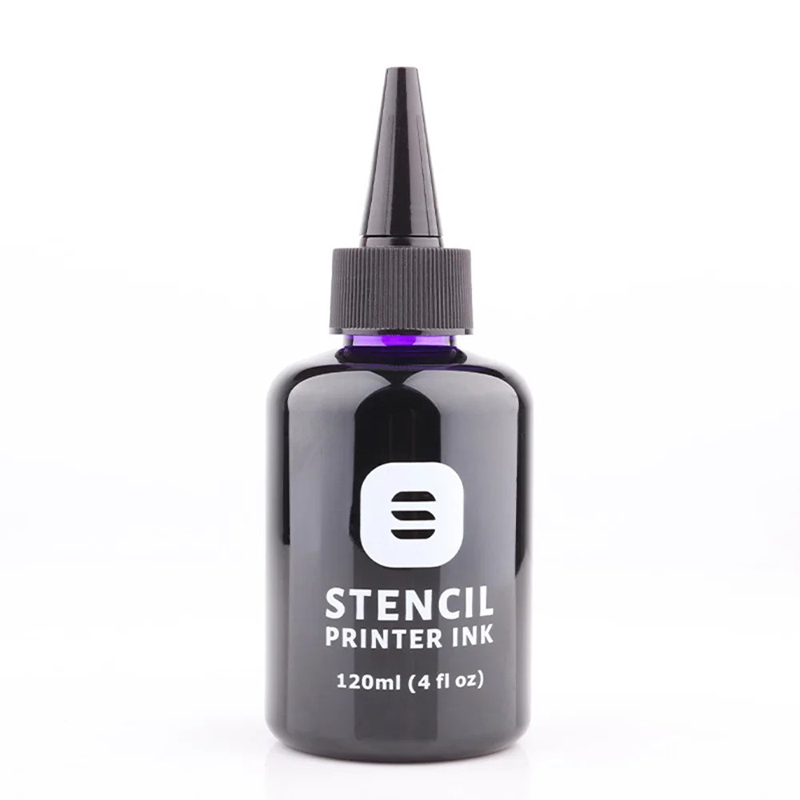
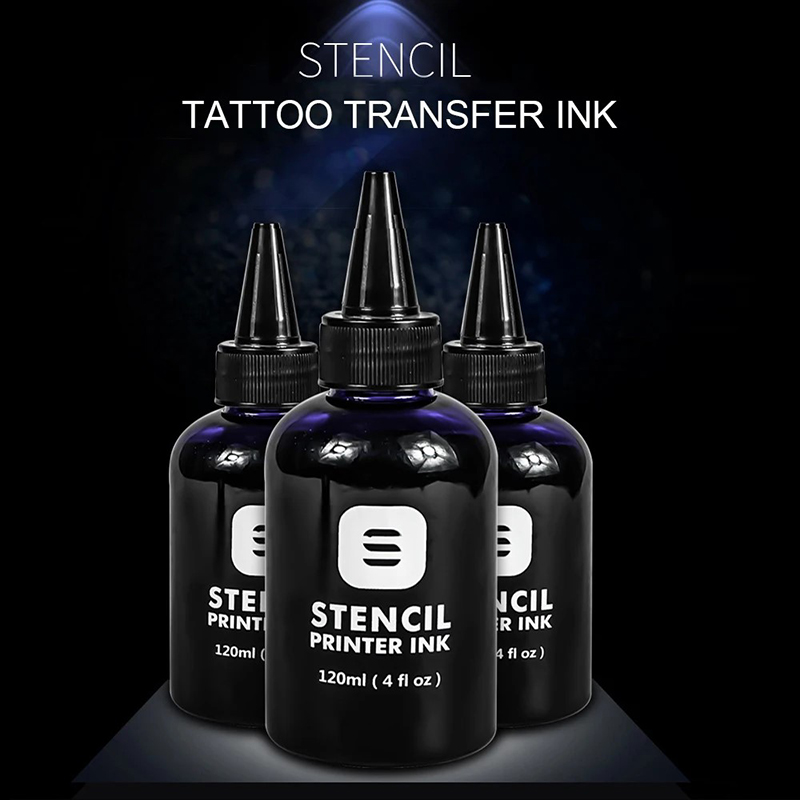
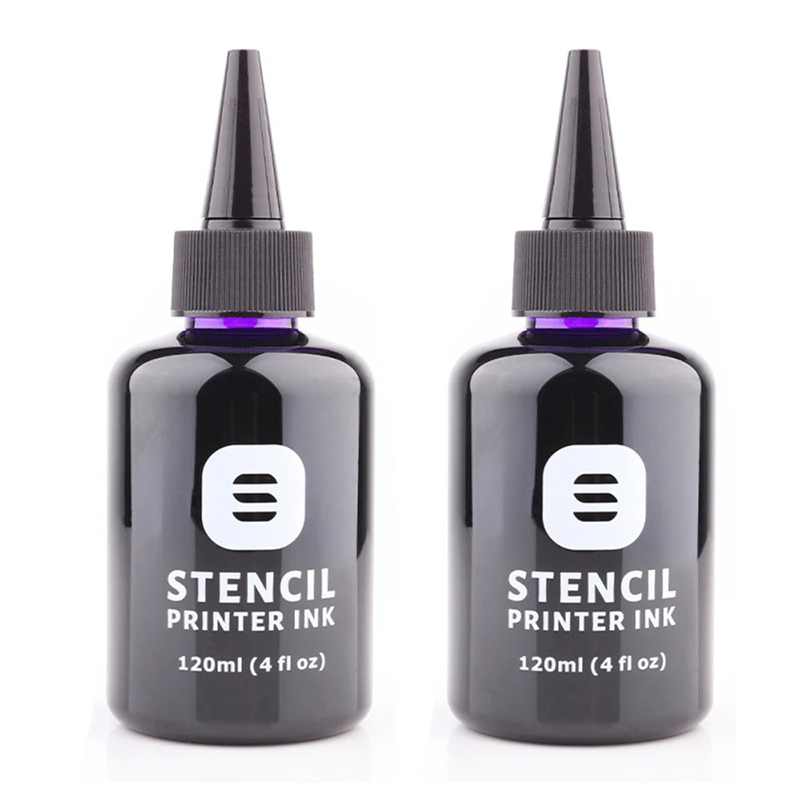
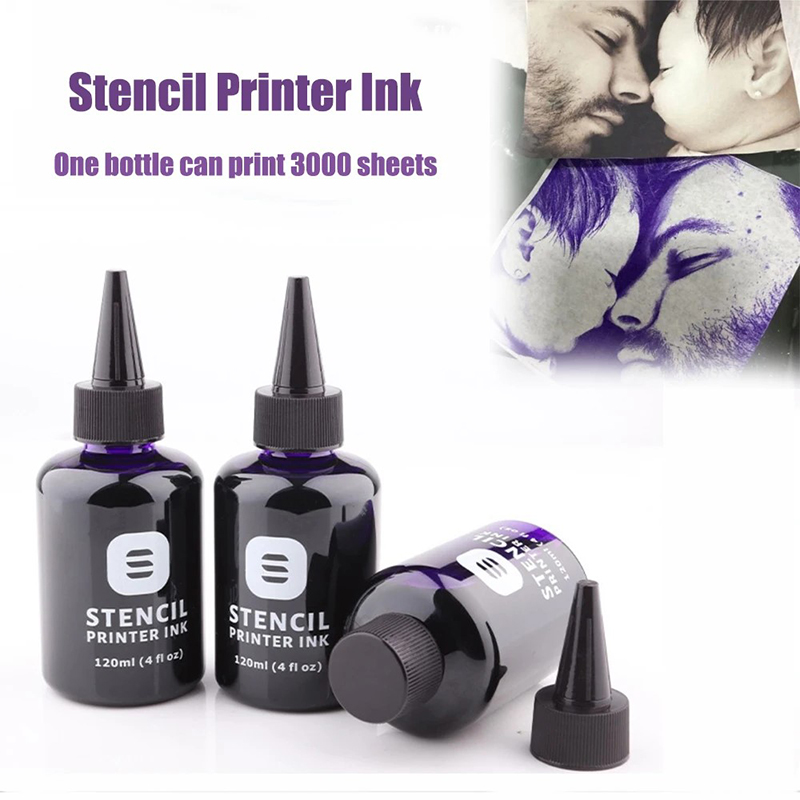
120ml Tattoo Stencil Printer Ink 4oz Transfer Ink (Free Shipping) Item NO.: TI-010
Copy and share this link on social network or send it to your friends
Copy| Product Name | 120ml Tattoo Stencil Printer Ink 4oz Transfer Ink (Free Shipping) |
| Item NO. | TI-010 |
| Weight | 0.001 kg = 0.0022 lb = 0.0353 oz |
| Category | Tattoo Inks & Others |
| Creation Time | 2025-09-06 |
Kindly Remind:
1. The listed price is for reference only. Contact us before placing an order to confirm your special discount.
2. The shipping method for this product is Free Delivery via Standard Shipping (USPS, Canada Post, Royal Mail, DHL Paket, DPD, La Poste, Australia Post, etc.).
It will take about 10-20 working days to arrive after your order is shipped out (It does not include processing time and the exact arrival time may vary depending on the final destination).
For more information about our Shipping Policy, please click this link: https://www.zactattoo.com/Shipping-Policy-n2067035.html
Features:
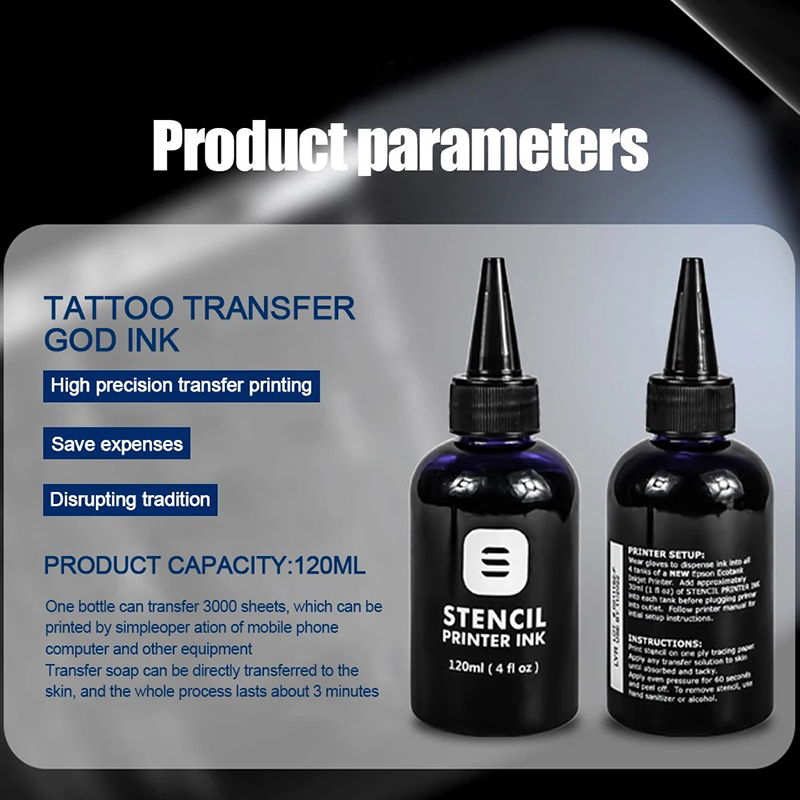
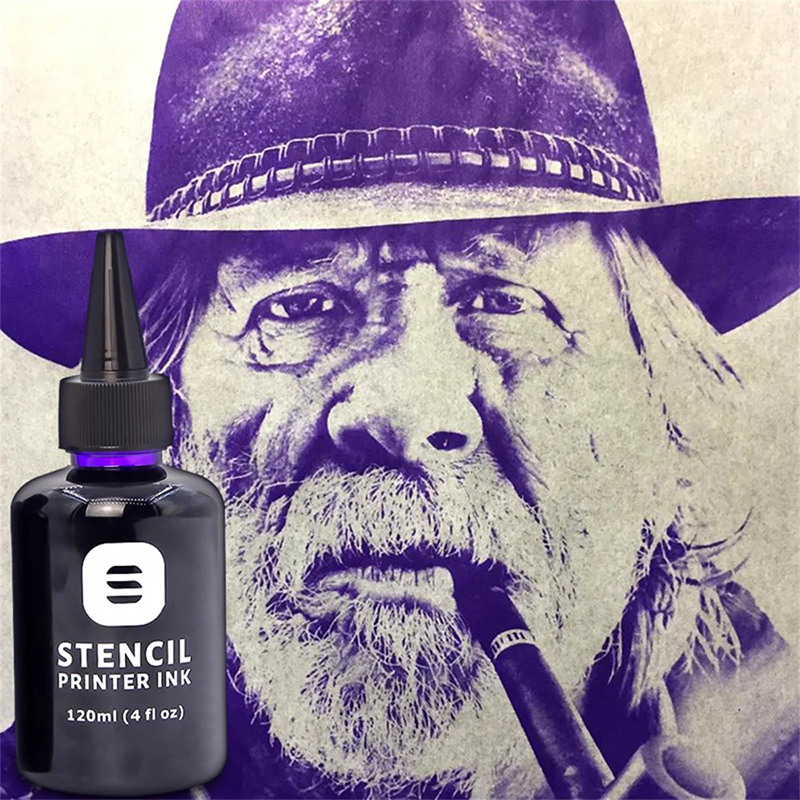
1. Save time and effort, easy to use. Traditional handwriting takes an hour or more, while transfer ink takes less than 3 minutes to complete.2. Super clear and super three-dimensional. The traditional transfer method is only a line draft, the effect is single, and the transfer ink effect is more delicate and layered.
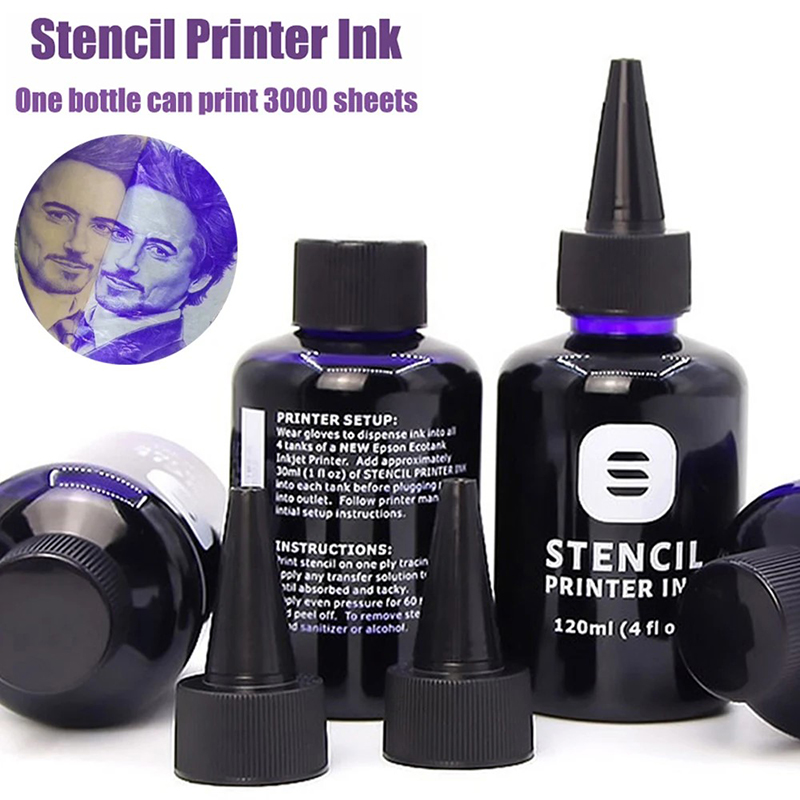
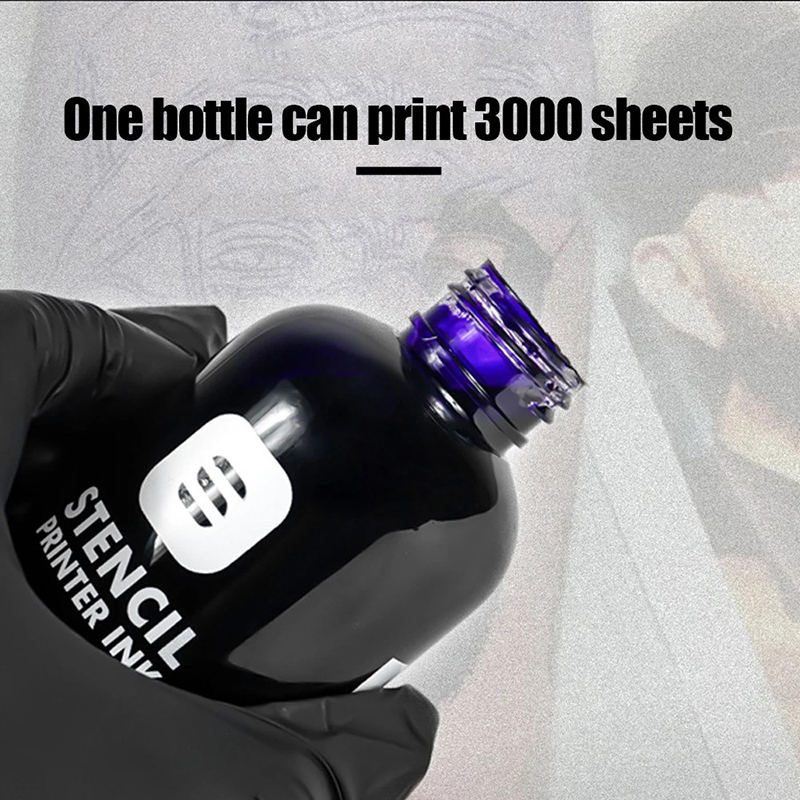
3. One bottle of transfer ink can print 2000-3000 sheets (A4 size paper).
Transfer Technique:
1. Transfer ink and the matching test printing paper can be used with most brands of transfer gels on the market.
2. If you use a paste transfer product, please apply more to keep it moist.
3. After sticking the printed artwork on the skin, keep it for 30 seconds, and then remove the artwork.
4. After waiting for 3-5 minutes, the transfer firmness is the best.
5. The transfer effect of this product is firm and difficult to erase. It is recommended to use printing paper to mark the position with the customer before transferring. If it needs to be wiped off, it needs to be washed repeatedly with alcohol cotton.
Printing paper installation skills:
1. Special printing transfer paper must be used.
2. Please print the matching test printing paper one by one, with the matte side up and the glossy side down. When printing, be careful to keep the paper feed flat.
Printer model selection:
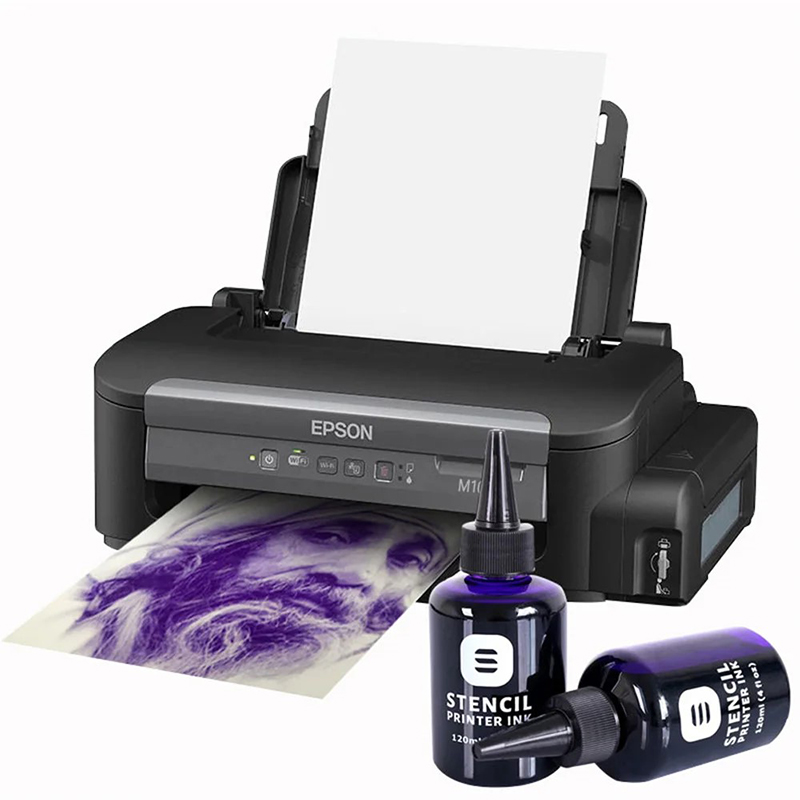
1. EPSONM105 (simple computer printing function).
2. EPSONM205 (with scanning, copying and WIFI printing functions) recommended model.
Inking the printer:
1. Please remove the original ink (if any), never add the original ink to the ink tank. (In order to prevent accidents, the printers sold by transfer ink channels generally do not contain original ink).
2. Do not turn on the power first, please strictly follow the printer manual for inking operation.
3. The process of adding ink may cause the pipeline to enter the air. If the printing effect is not satisfactory, please start the cleaning print head program that comes with the printer (in the maintenance menu).
4. After 24 hours, the printing effect will be more delicate.
5. In order to prevent the nozzle from drying and clogging, be sure to turn off the power button and then turn off the power. Please print at least once a week.

You May Also Like
-
-

-

-
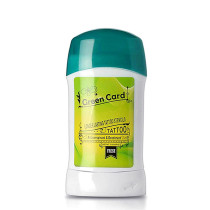 Tattoo Transfer Gel (Free Shipping)US$ 34.00
 -

-

-

-

-

-
-

-

-
Recently Viewed
-
 Professional Tattoo Armrest (4)US$ 20.00
 -

-
 Silicone Synthetic Hand MoldUS$ 25.00
- Company Info
- No Worries, U.S. Shoppers!
- About Us
- Brand Story
- Contact Us
- Blog
- Coupon & Sale
- Affiliates Program
- VIP Program
- Earn & Redeem Credits
- Pro Team Program
- Distributor Program
- Meet Our Pro Team
- Customer Services
- Register
- My Account
- Tracking Order
- Forgot Password
- FAQ
- Payment Methods
- Shipping Policy
- Shipping Cost and Tax
- Refund and Return Policy
- Privacy Policy
- Terms and Conditions
- Contact Us
-
Email: zactattoo@outlook.com
No related record found